When it comes to development on a Mac, having the right terminal application can make a significant difference in your productivity and efficiency. Whether you’re looking for advanced features, customization options, or just a more intuitive interface, this guide will help you find the best terminal for your needs. Here are our top picks:
1. Warp
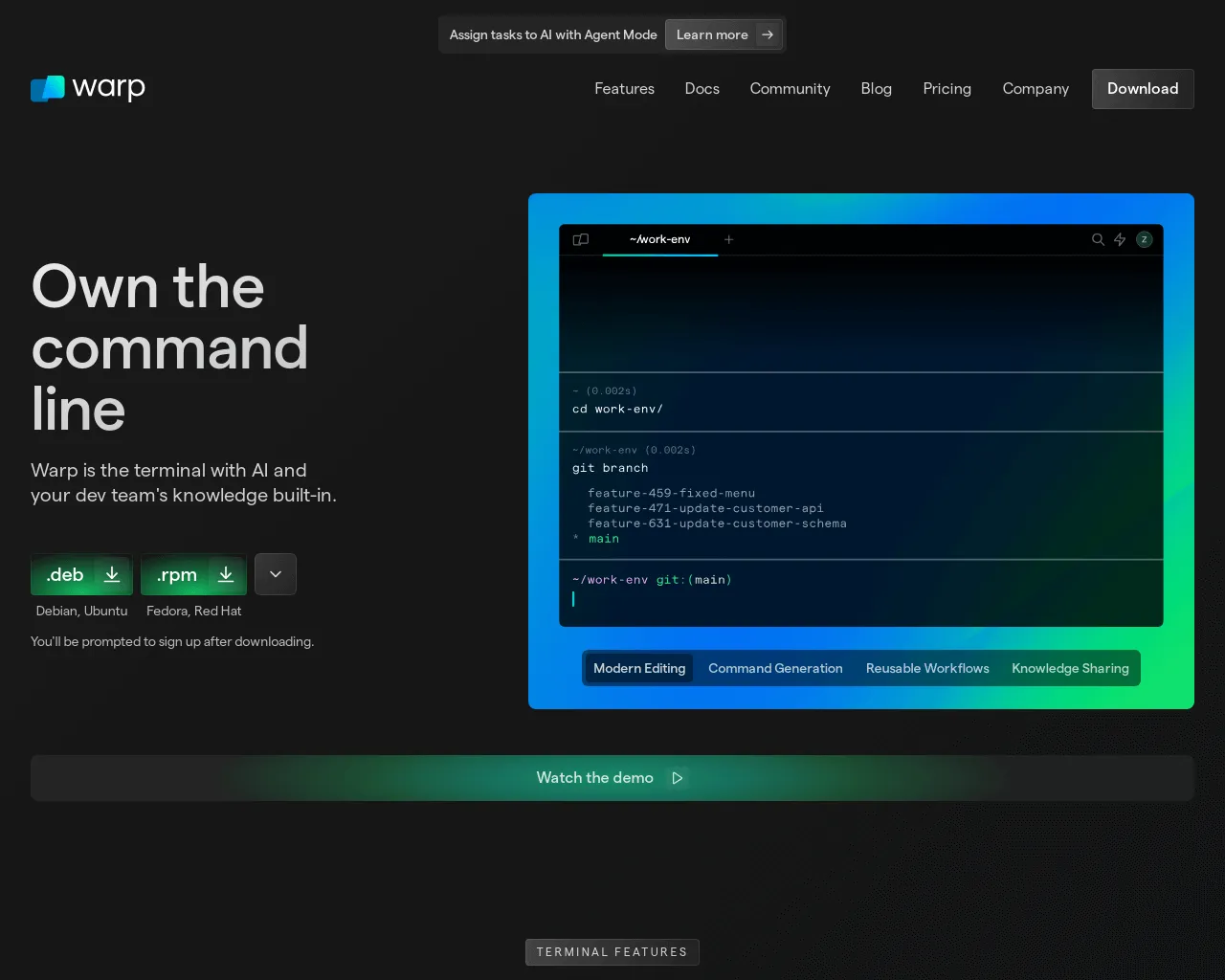
Features:
- Modern, fast terminal with a focus on productivity
- Collaborative features allowing shared terminal sessions
- Built-in IDE-like features and command palette
Pros:
- Streamlined interface with a focus on efficiency
- Unique collaborative and productivity features
- Regular updates and active development
Cons:
- Still in development with evolving features
- May not suit users preferring traditional terminal setups
Link: Warp
2. iTerm2
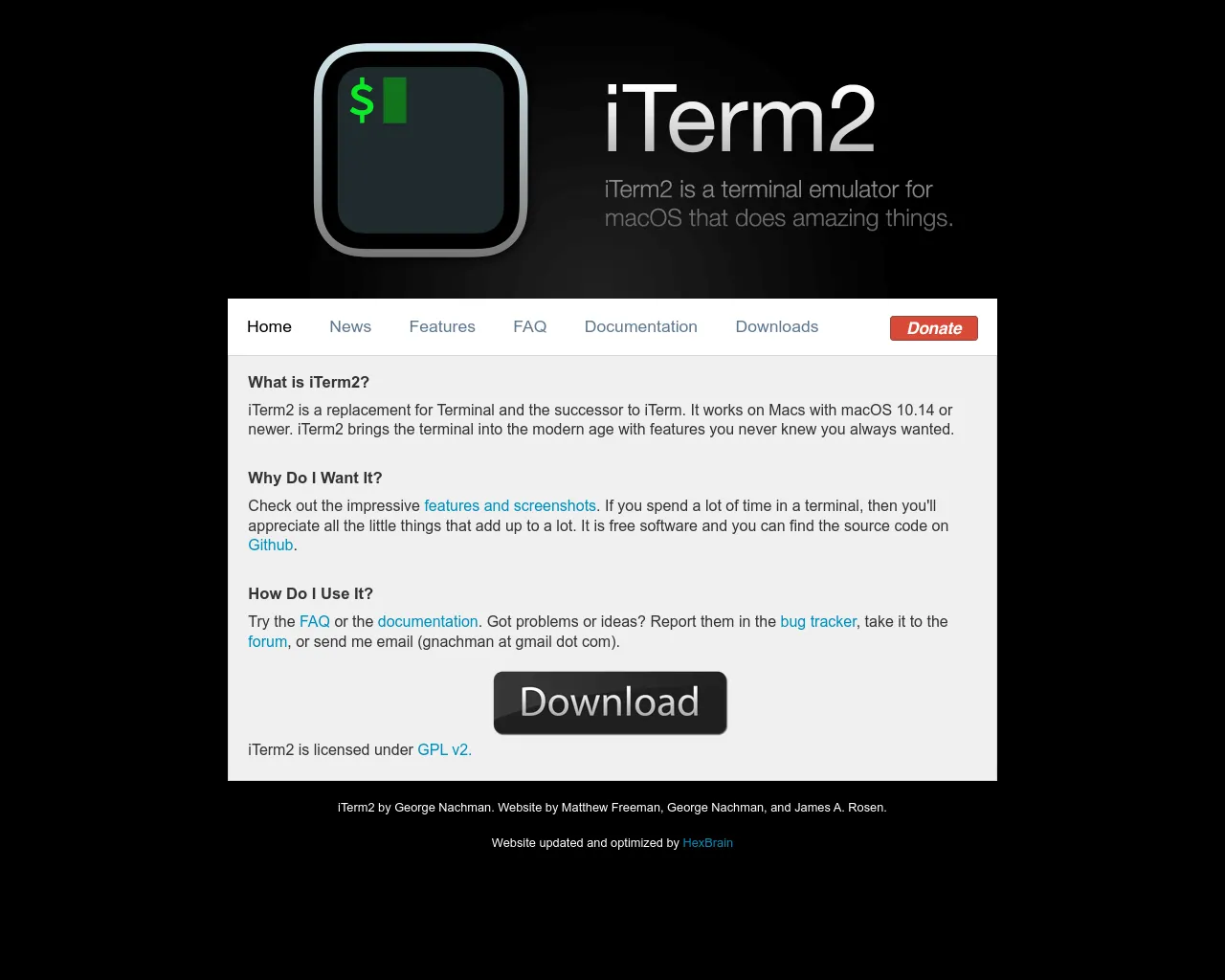
Features:
- Highly customizable interface
- Advanced search capabilities
- Split panes and tab management
- Extensive integration options
Pros:
- Robust feature set for power users
- Excellent support for multiple profiles
- Highly configurable appearance and behavior
Cons:
- Steeper learning curve for beginners
Link: iTerm2
3. Hyper
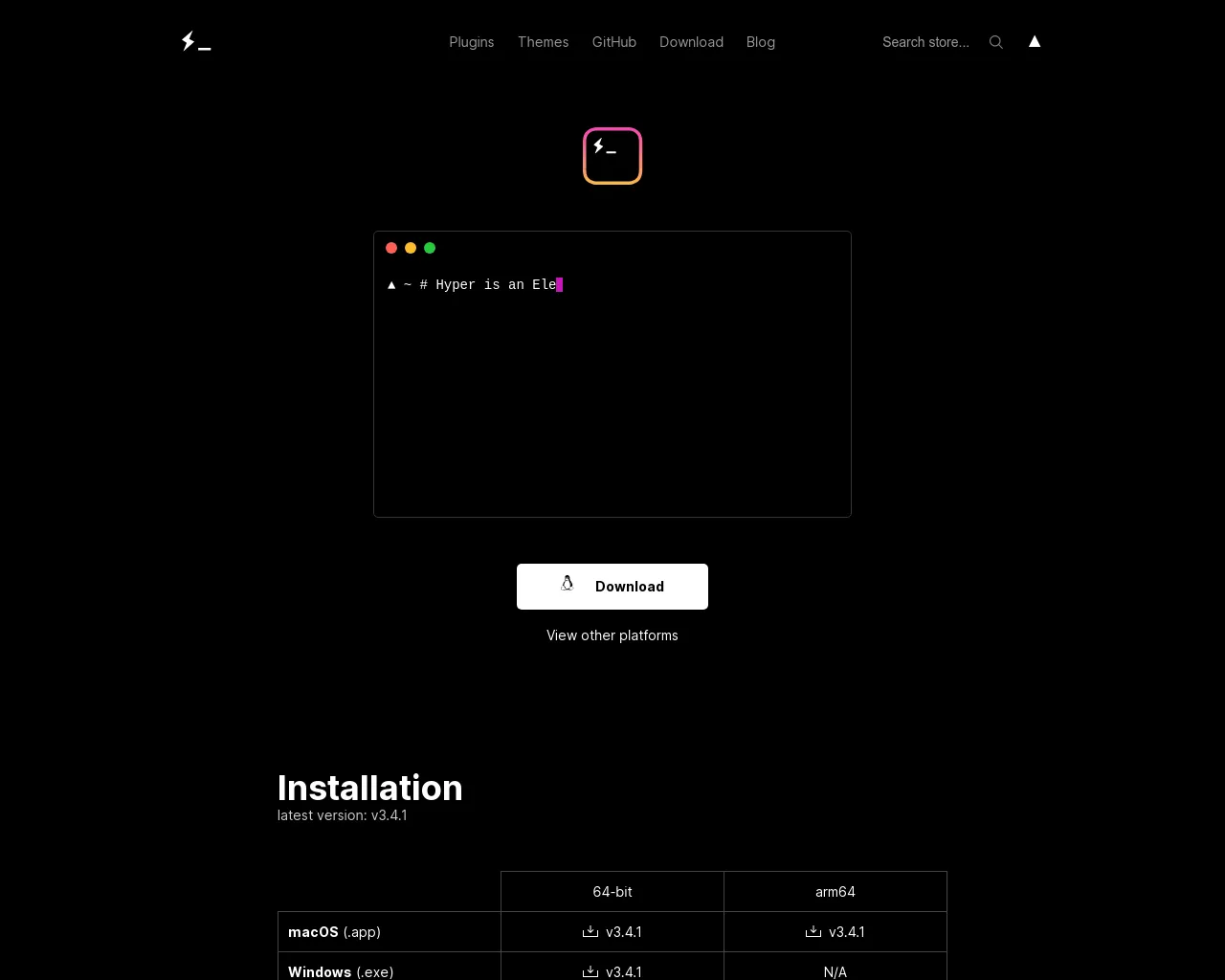
Features:
- Electron-based, allowing for extensive customization
- Plugin system for adding features
- Cross-platform support
Pros:
- Modern, sleek interface
- Active community with a variety of plugins
- Great for developers who love tweaking and personalization
Cons:
- Performance can be slower compared to native apps
- Some features may require additional configuration
Link: Hyper
4. Alacritty
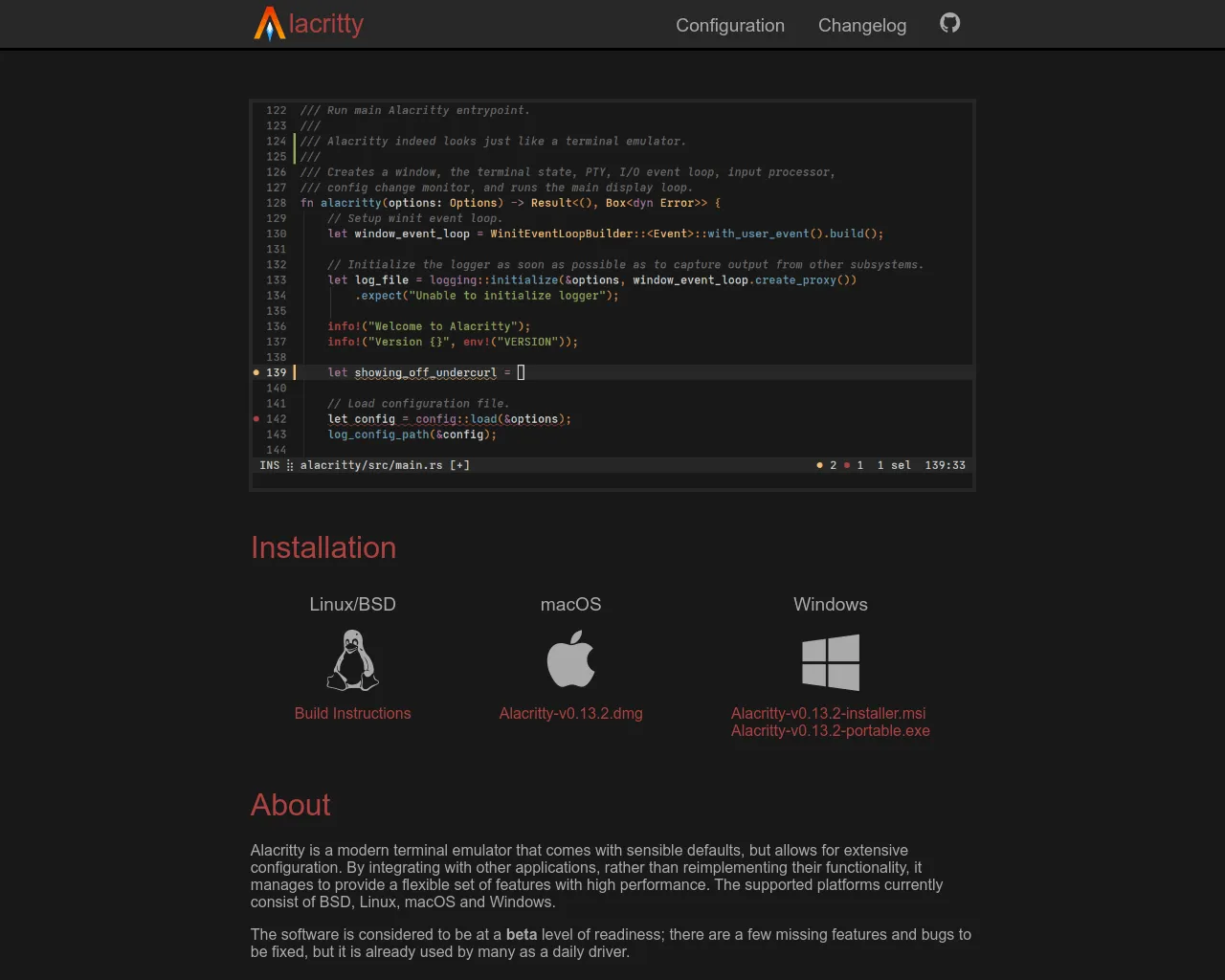
Features:
- GPU-accelerated rendering for high performance
- Minimalistic design
- Cross-platform support
Pros:
- Extremely fast and responsive
- Simple configuration and setup
- Good performance for resource-intensive tasks
Cons:
- Limited feature set compared to other terminals
- Basic customization options
Link: Alacritty
5. Kitty
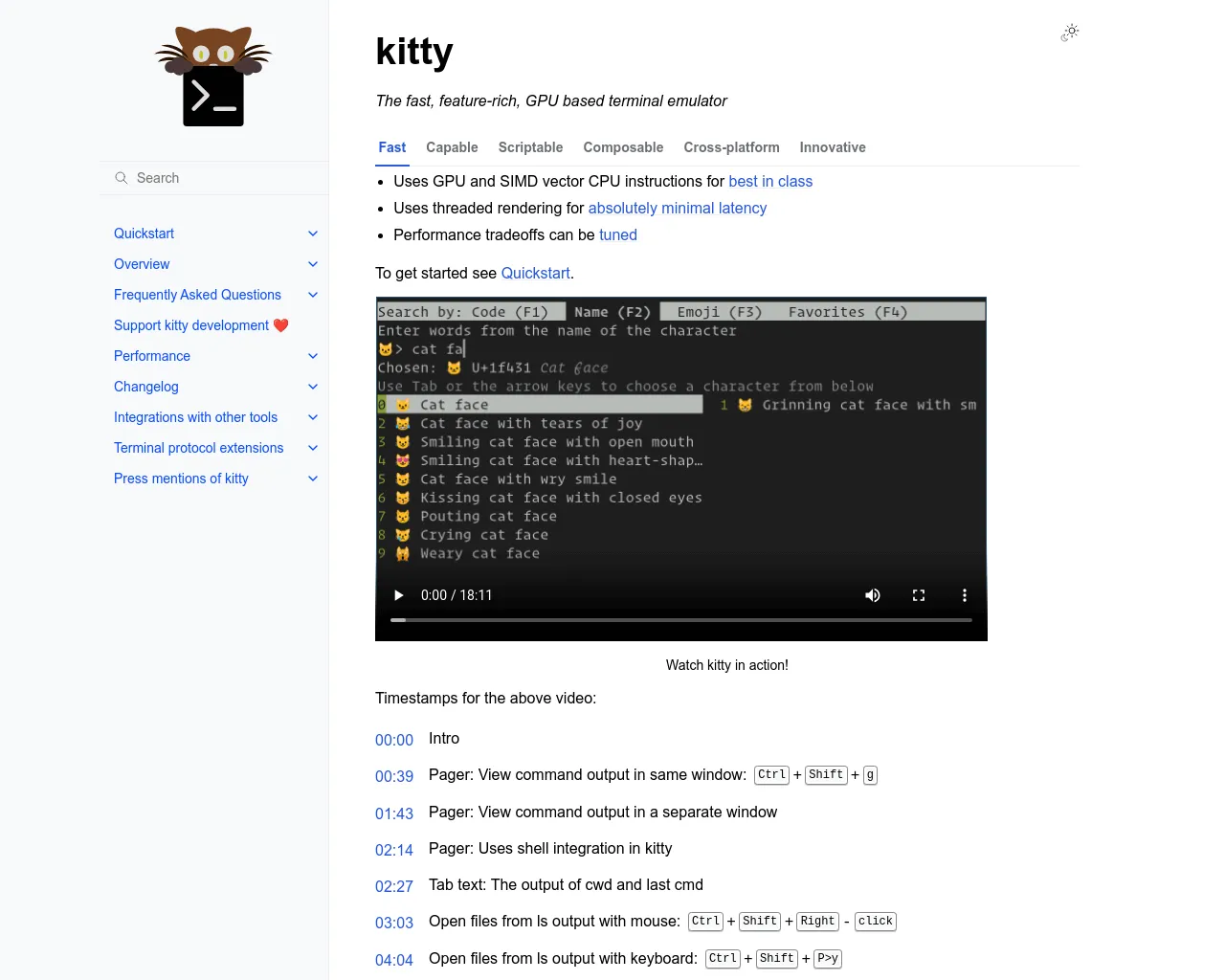
Features:
- GPU-accelerated rendering
- Advanced layout and configuration options
- Supports multiple tabs and windows
Pros:
- High performance with GPU acceleration
- Highly customizable with support for various features
- Active development and regular updates
Cons:
- Configuration can be complex for new users
- Some advanced features may have a learning curve
Link: Kitty
6. Terminal (Built-in)
Features:
- Native application with seamless integration
- Simple and straightforward interface
- No additional installation required
Pros:
- Lightweight and fast
- Fully integrated with macOS
- Easy to use for basic tasks
Cons:
- Limited customization options
- Lacks advanced features available in third-party apps
Link: Terminal (Built-in)
Choosing the right terminal can greatly impact your workflow and efficiency. Each of these terminals has its own strengths and unique features, so explore them to find the one that best suits your development needs.
Feel free to experiment with these options and see which one enhances your productivity the most!
Explore BaseStack Platform
Ready to elevate your development experience even further? Check out Basestack ↗, our open-source stack designed specifically for developers and startups. BaseStack offers a comprehensive suite of tools, including Feature Flags, with more exciting tools like Feedback and Forms on the horizon.
Discover BaseStack:
Join our community and take advantage of the tools that can empower you to build exceptional products!